01
Run a drill with your timer
Every drill runs the same way, whether it's one of the built-in standards or one you built yourself:
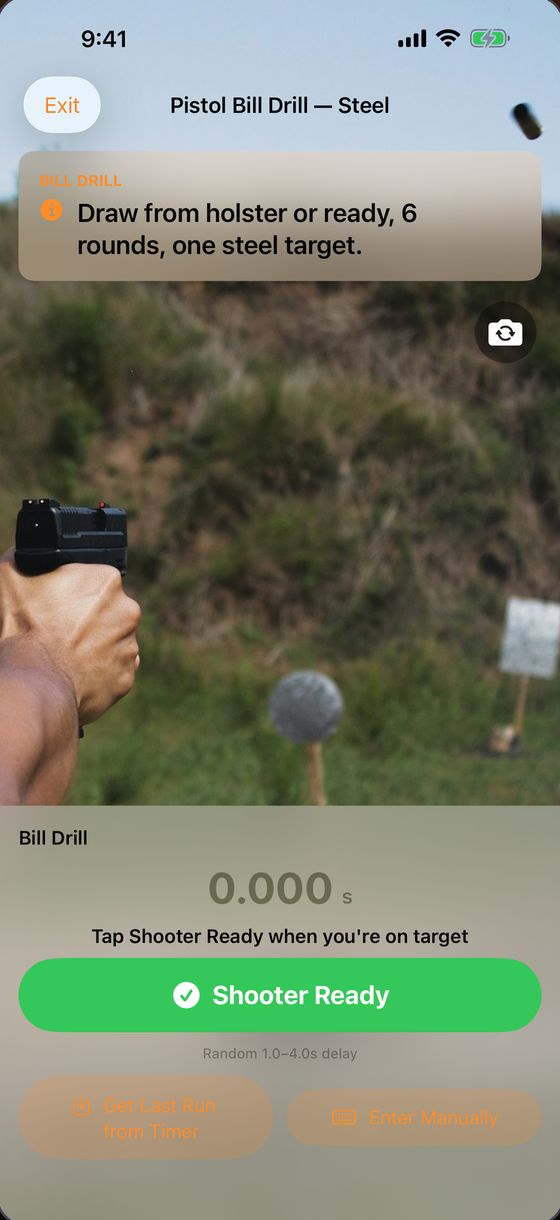
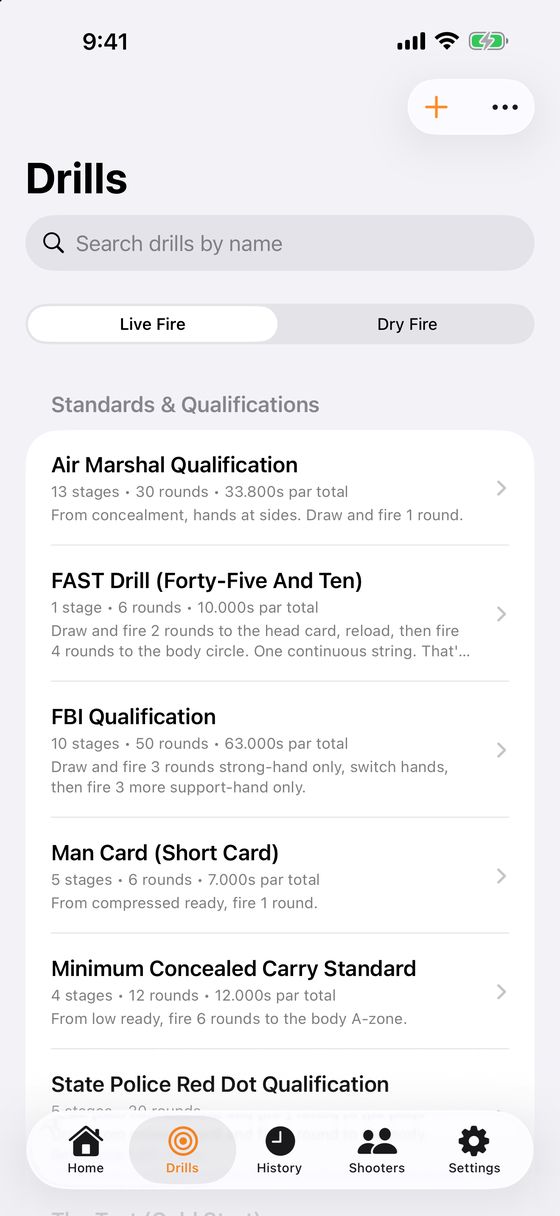
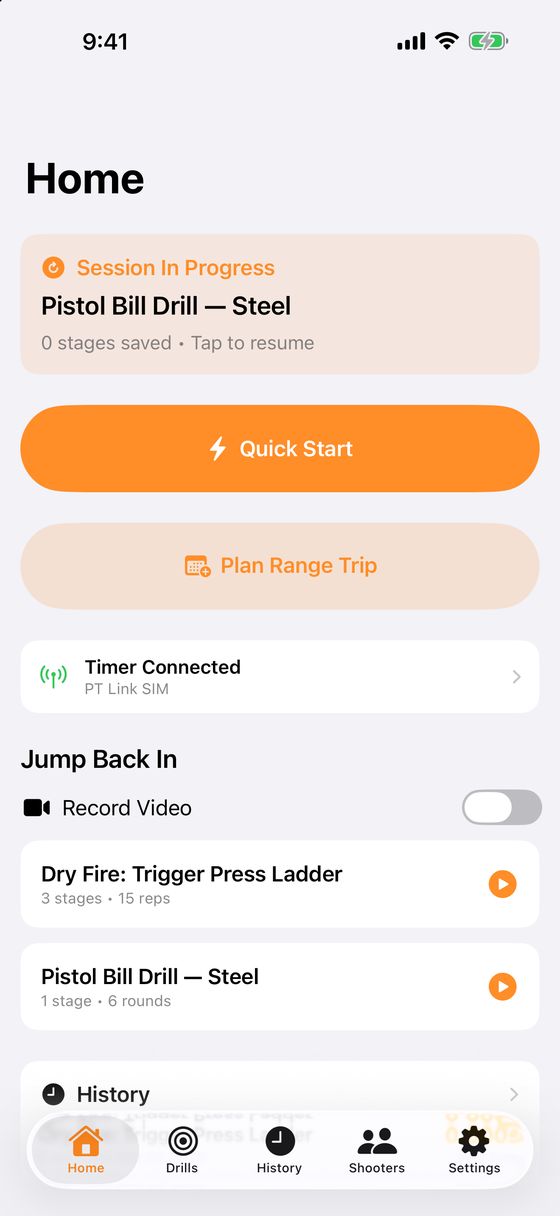
- Open a drill from the Drills tab and tap Start Drill. From Quick Start, Jump Back In or a Range Day you'll see the drill's briefing first; tap Begin Drill.
- Tap Shooter Ready. The app arms your timer, and the beep fires after a random delay. You can also just press START on the timer.
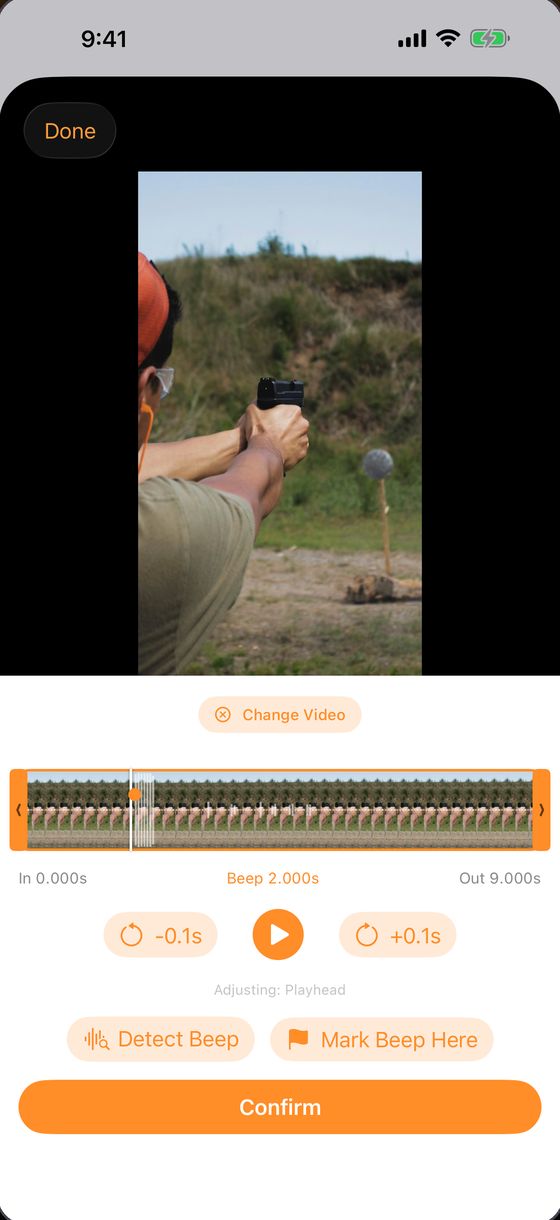
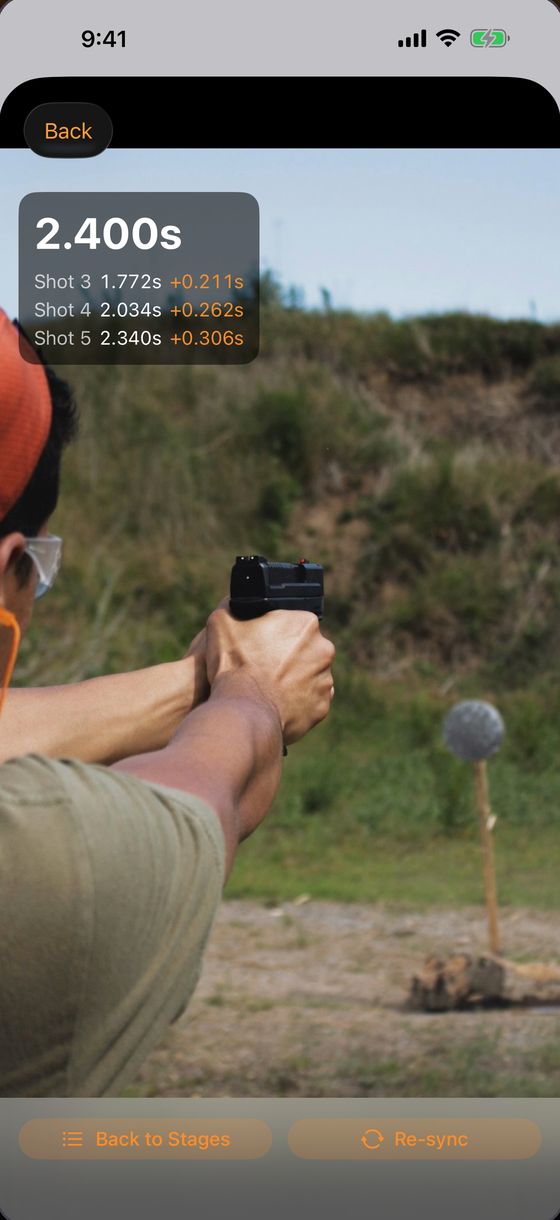
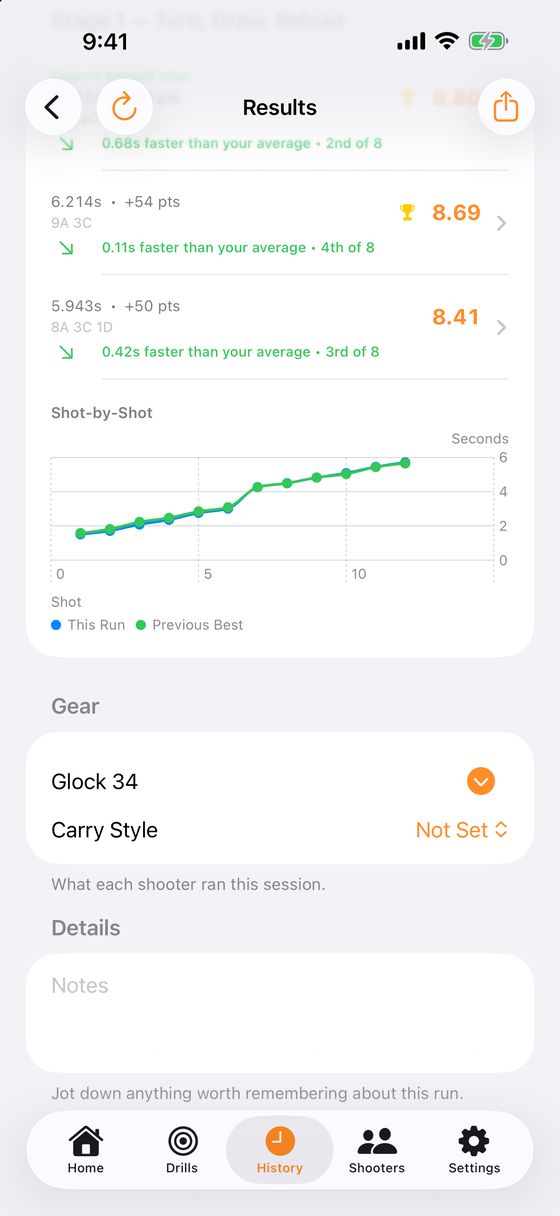
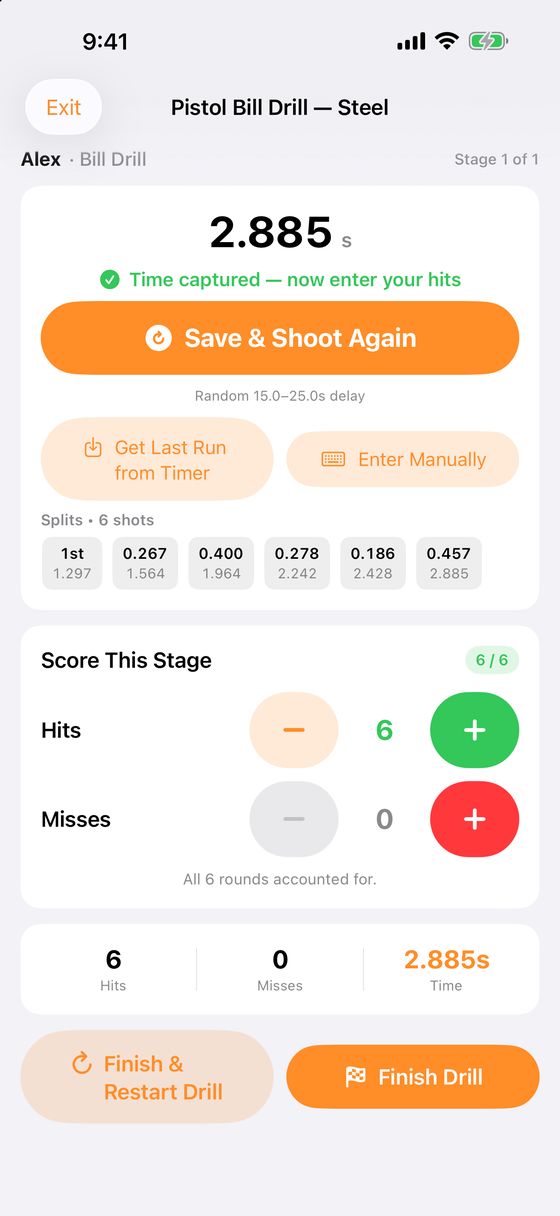
- Shots come in live. When the string ends, your time and every split are on screen, with nothing to type.
- Count hits with the + and − buttons, or tap Fill Remaining as A when every round landed clean.
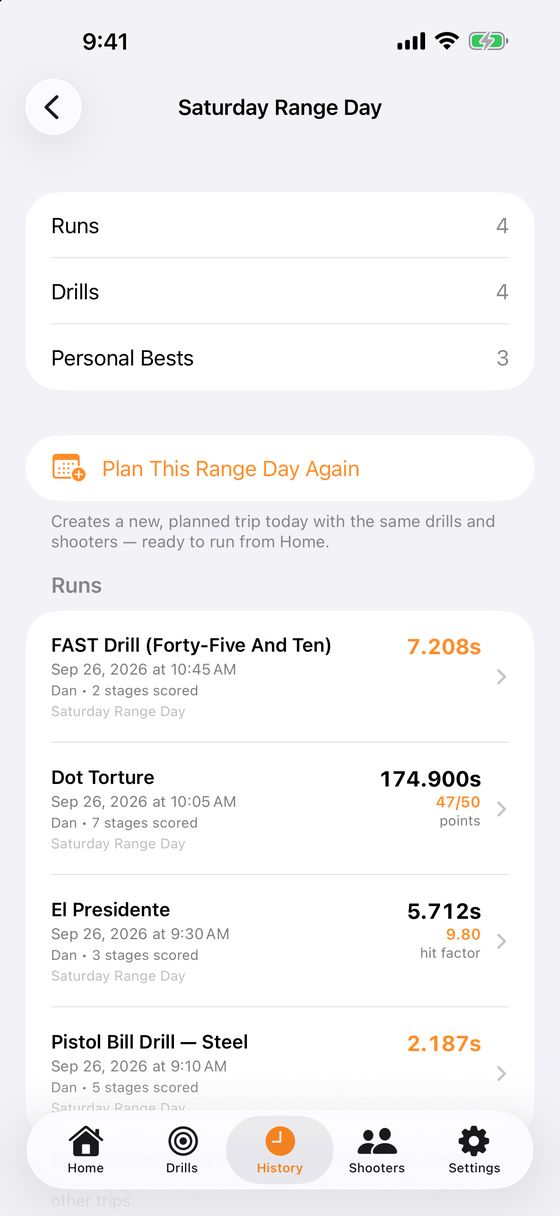
- Tap Save & Shoot Again for another string, or Next Stage / Finish Drill to move on.
Shooting alone? Tap the delay at the top right of the stage and pick Solo Running (15–25s) so you have time to get set. No timer with you? Tap Enter Manually and type your time in.
Dry fire: switch the Drills tab to Dry Fire. With no timer connected, your phone plays the start and par beeps, and you count how many reps were clean.